
Do you need to create a Custom Topic for your Landing Page? Now System Admins can do so from the Landing Page/Tab Editor within Settings.
After selecting a Landing Page where the Custom Topic will live, click on the “Add Custom Button” option.
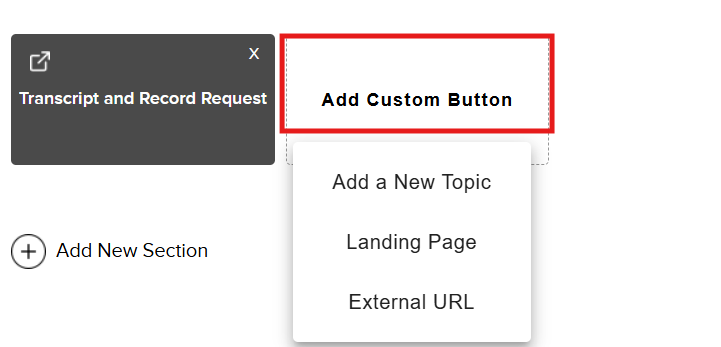
You will see the following custom options:
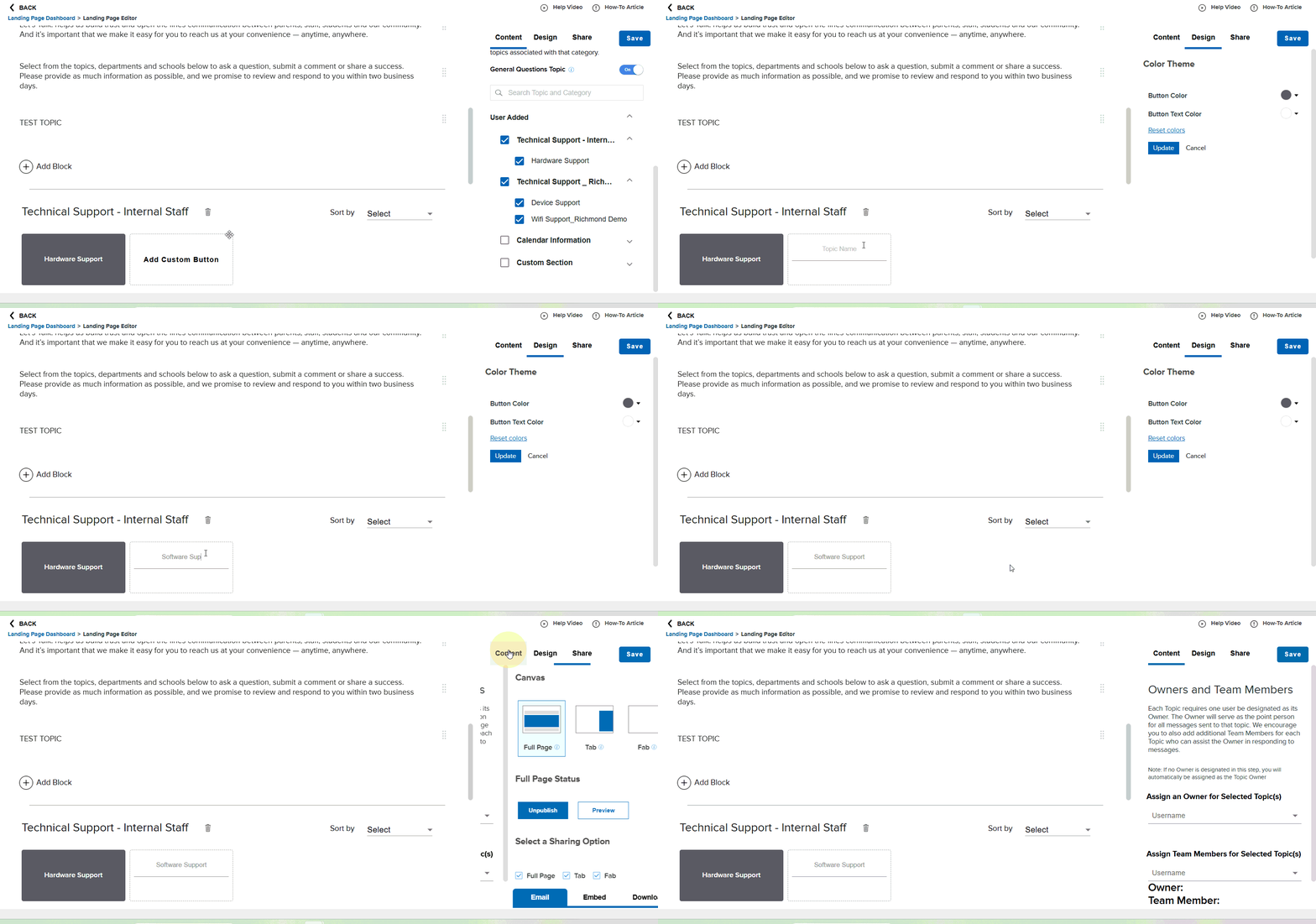
Add a New Topic: Create a Custom Topic name, edit button theme colors, and assign Owners and Team Members directly from this page (Please note: If no Owner is designated in this step, you will automatically be assigned as the Topic Owner).
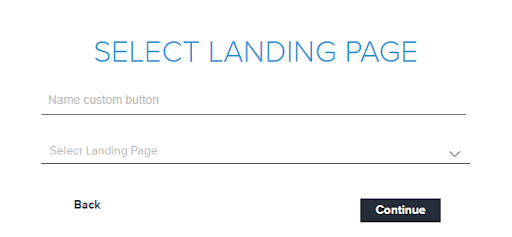
Landing Page: Name your custom button and select the Landing Page
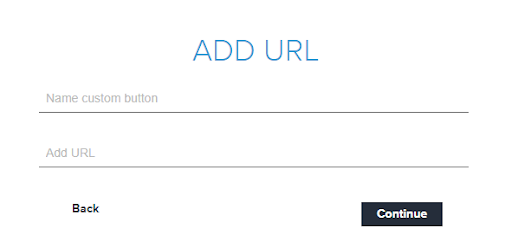
External URL: Name your custom button the link an External URL for customers to quickly access
Whichever option you choose, don’t forget to save your work at the end.