Overview
Connect Mosyle Manager to synchronize your Apple and Android device inventory with Onflo. Keep your asset records current with automated syncs that capture device details, installed applications, and compliance status.
Features
- Automated asset inventory sync for Apple and Android devices
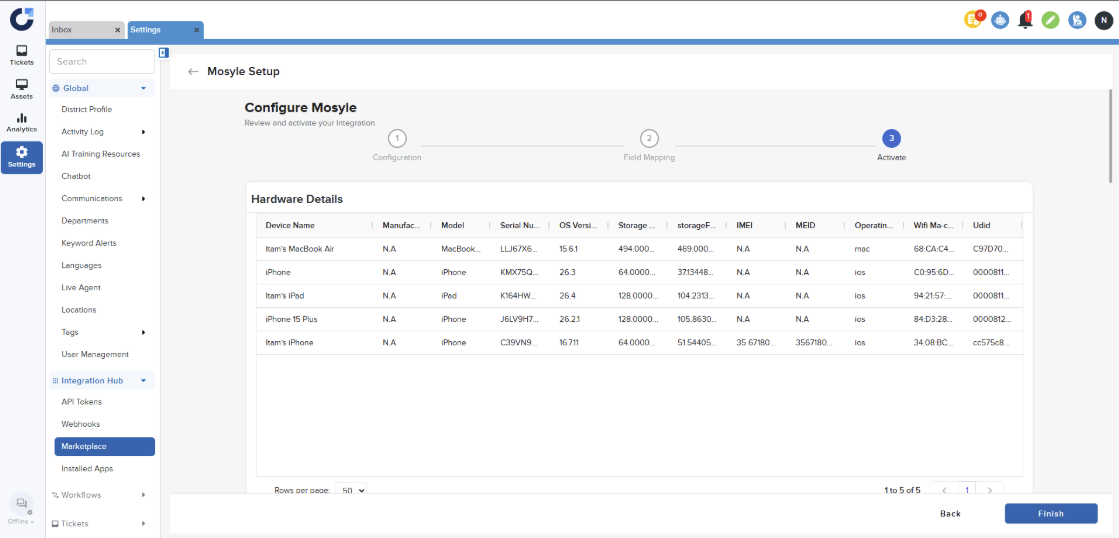
- Hardware specifications and device identification
- Installed application and software version tracking
- Compliance and enrollment status monitoring
- Device assignment and user mapping
- On-demand device details retrieval when viewing assets
Prerequisites
Before you begin make sure you have the following before connecting this integration:
- Mosyle administrator account
- API integration enabled in Mosyle
- API access token generated
- API username and password
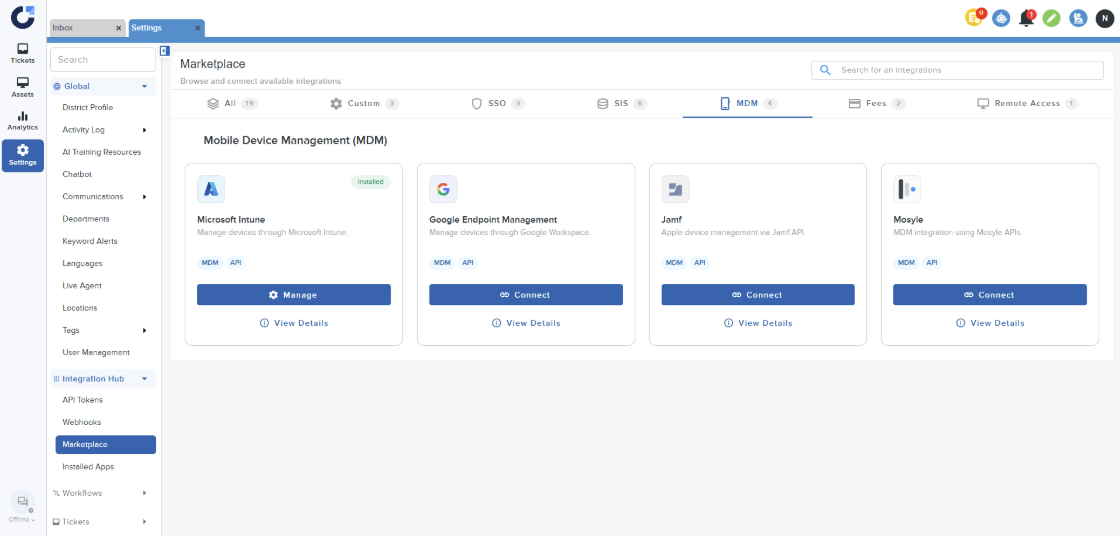
Step 1: Click on Connect on the Mosyle application in the MDM section of the Integration Marketplace.
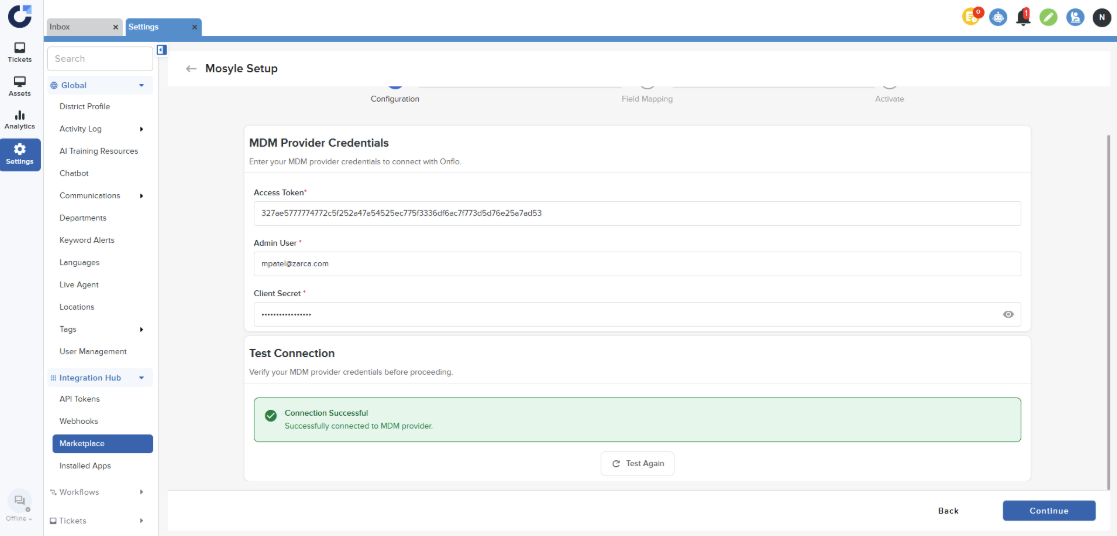
Step 2: Enter the details and Test connection. Once the connection is successful click Continue. For more information on how to generate the credentials, refer to this article.
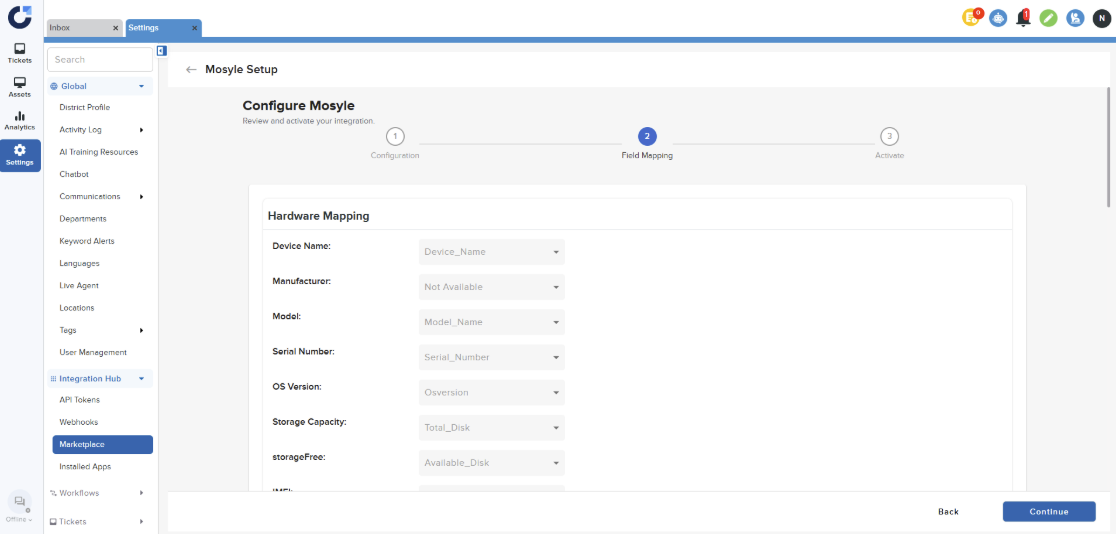
Step 3: Click Continue on the Field Mapping page.
Step 4: Click Finish on the Activate page.
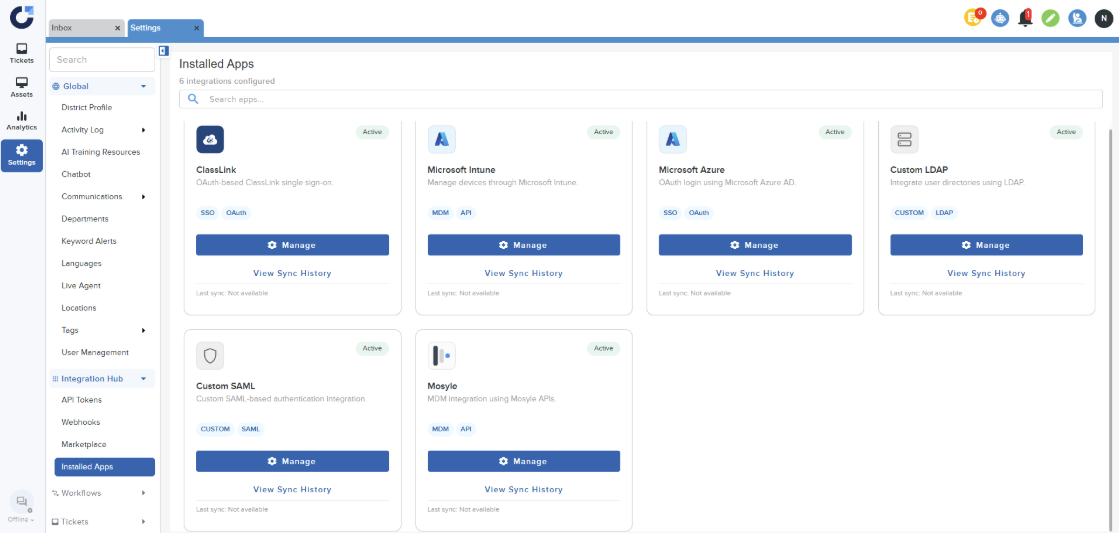
Step 5: Once the app is installed it will be shown in the Installed Apps section.