
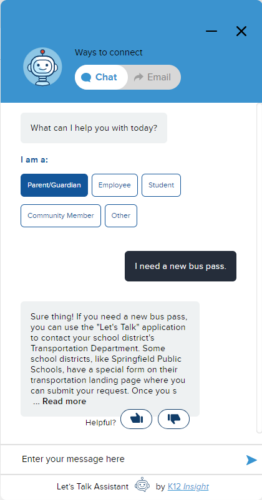
You can now link Chatbot FAQs to related article(s) in your Knowledge base to guide customers to the right resources.
System Administrators, Category Administrators, Topic Owners, and Article Managers have the ability to connect Knowledge Base articles to Chatbot FAQs
Here’s how:
- Go to Settings, then select Knowledge Base under the Communications section in the left panel.
- Click on the article that you would like to link to Chatbot.
- Click on the LT Assistant FAQ button at the bottom of the page. This will expand a full list of FAQs active in your account.
- Select the FAQ(s) that are relevant to the article.
- Save your changes at the top right of the page.
When a user gets a response corresponding to the selected FAQ(s), LTA will also provide a link to the related article in your Knowledge Base.