While many Customers will access Onflo (formerly Let's Talk) on your website, there are many other conversations that happen in real life that can also be captured in Onflo, including phone calls, personal observations, letters, personal visits, and more.
Users can easily add these conversations to Onflo from within the system to allow for streamlined follow-up, collaboration, and reporting.
Creating a Ticket
All Users have access to this functionality within their Onflo accounts. For a Recorder, this is the primary function.
To create a new Ticket, click the green pencil icon in the top right-hand corner of your screen.
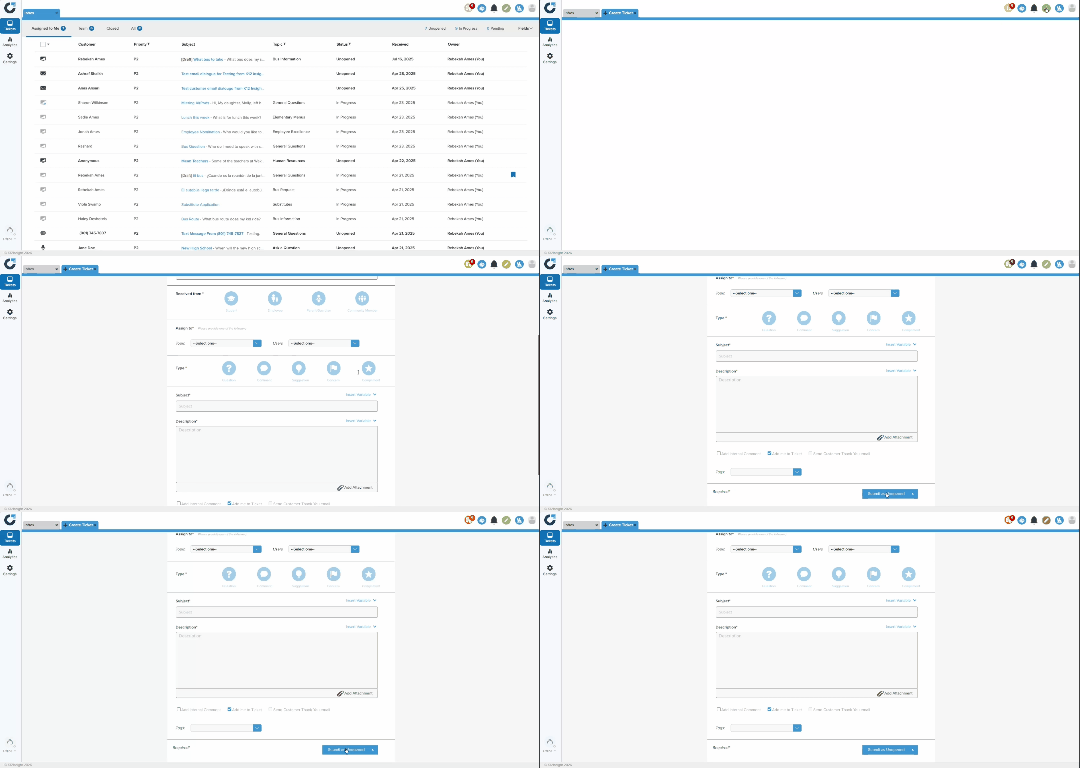
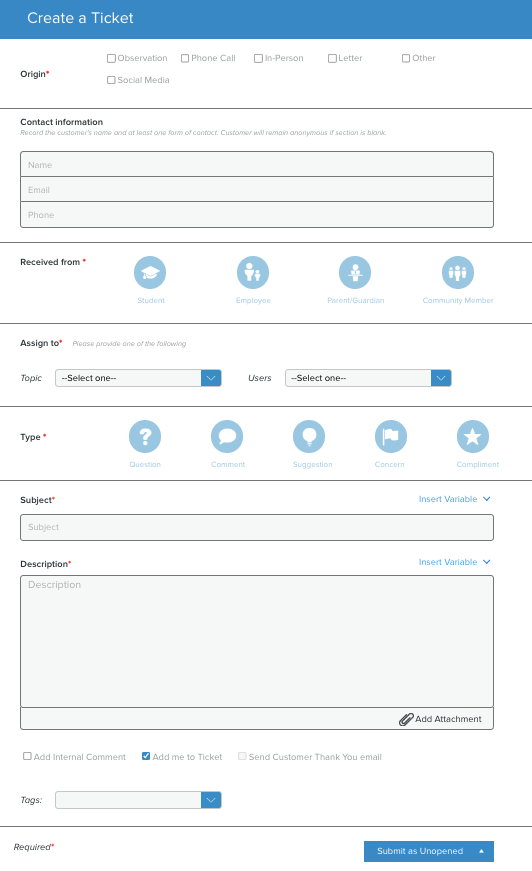
The Create a Ticket form that opens includes most of the same fields as the Customer-facing version, with a few variations.
- Select a Topic, then further identify which team member is best suited to respond to the ticket.
- Even before sending, add Tags to the ticket to offer your colleague as much information as possible and to help with reports.
- Options at the bottom of the form allow the user to:
- Add an internal comment if there is information that should be shared with colleagues only.
- Add the user recording the message to the ticket. This option is pre-selected by default, and allows the user to track the progress of the ticket as needed.
- Send the customer a thank-you email. This option is only possible if an email address has been provided.
- When submitting the ticket, you may update the status to:
- Submit as Unopened
- Submit as in Progress
- Submit as Pending Details
- Submit as Closed