


School facility management software
Turn Maintenance History into Operational Intelligence
- Build a living record of the buildings, systems, and equipment across every campus
- Connect preventive maintenance, inspections, and repair history to each asset
- Lifecycle evidence for replacement, deferred-maintenance, and capital decisions

Trusted by districts nationwide







School Facilities Need More Than Closed Work Orders.
A work order can close while the asset story stays invisible.
Facilities teams often know today’s problem but have less visibility into the history that explains why the problem keeps returning. When repair records, inspections, preventive maintenance, photos, notes, and costs live in separate places, the district loses the lifecycle picture.
1. Recurring Failures Look Isolated
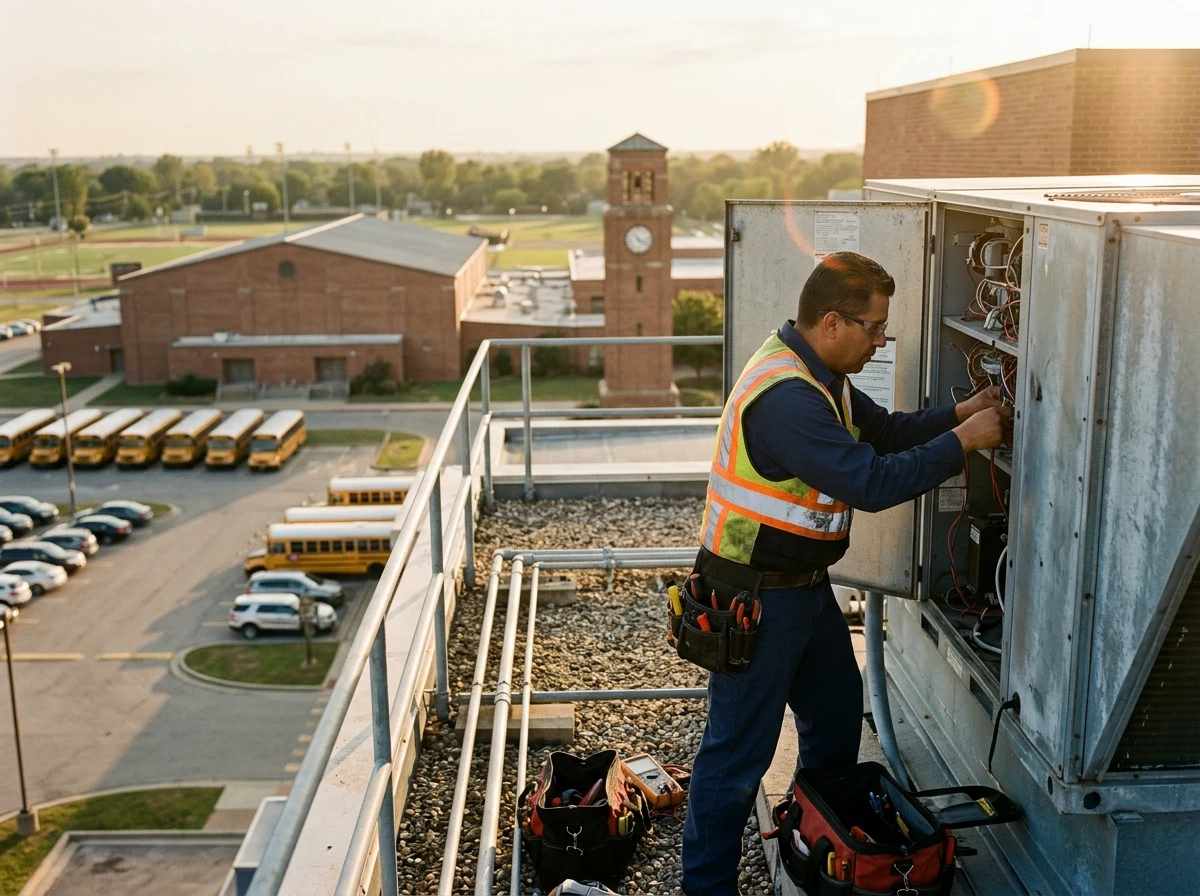
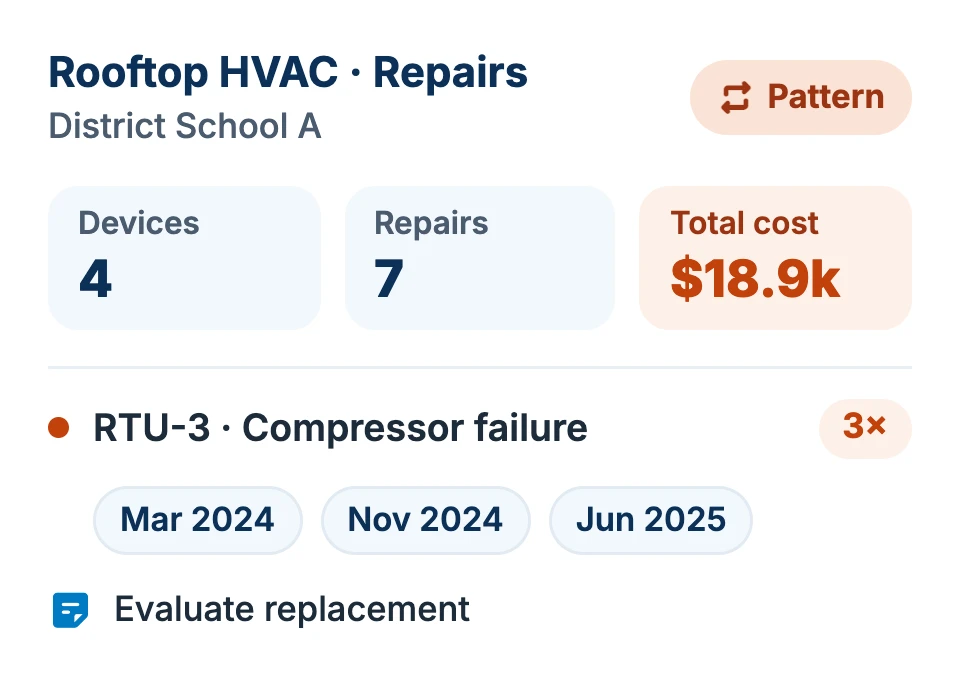
Multiple HVAC repairs over years can look like distinct completed jobs instead of a pattern that deserves lifecycle attention.
2. Condition Knowledge Lives in People’s Heads
Experienced technicians often know which roof section, boiler, pump, or electrical panel causes trouble. That knowledge should survive turnover and retirement.
3. Preventive Maintenance Gets Detached from History
Scheduling recurring work is not enough if the district cannot connect completion, findings, repairs, and changing condition back to the asset.
4. Capital Conversations Lack Operating Evidence
Leaders need more than age alone. Repeat failures, service frequency, condition, repair cost, and downtime help explain why an asset deserves deeper assessment or replacement.
School Facilities Management Software Capabilities
Onflo keeps the physical history of the district visible, in one place
Onflo facilities asset management creates a dependable lifecycle record for the physical systems that keep buildings safe, functional, and ready for learning.
Location-aware asset records
Organize systems and equipment by district, campus, building, room, area, or other meaningful physical hierarchy, so staff can see what is installed where.
Preventive maintenance
Tie recurring schedules, checklists, service dates, and results directly to the equipment being maintained.
Condition and inspection history
Preserve findings, documentation, photos, and follow-up work so the district can see whether condition is improving, stable, or deteriorating.
Repair and cost history
Bring completed work orders, parts, labor, and repair patterns into the asset record instead of leaving them as disconnected tickets.
Lifecycle and deferred-maintenance visibility
Use age, condition, recurring failures, and service burden to identify assets that may deserve replacement or capital attention.
Cross-department platform context
Facilities maintains its own asset detail while sharing locations, service management, permissions, and workflows with the broader Onflo platform.

Why K-12 facilities leaders choose Onflo
Built for school buildings, with their own operating rhythm and risk profile.
Connected to Work Order Management
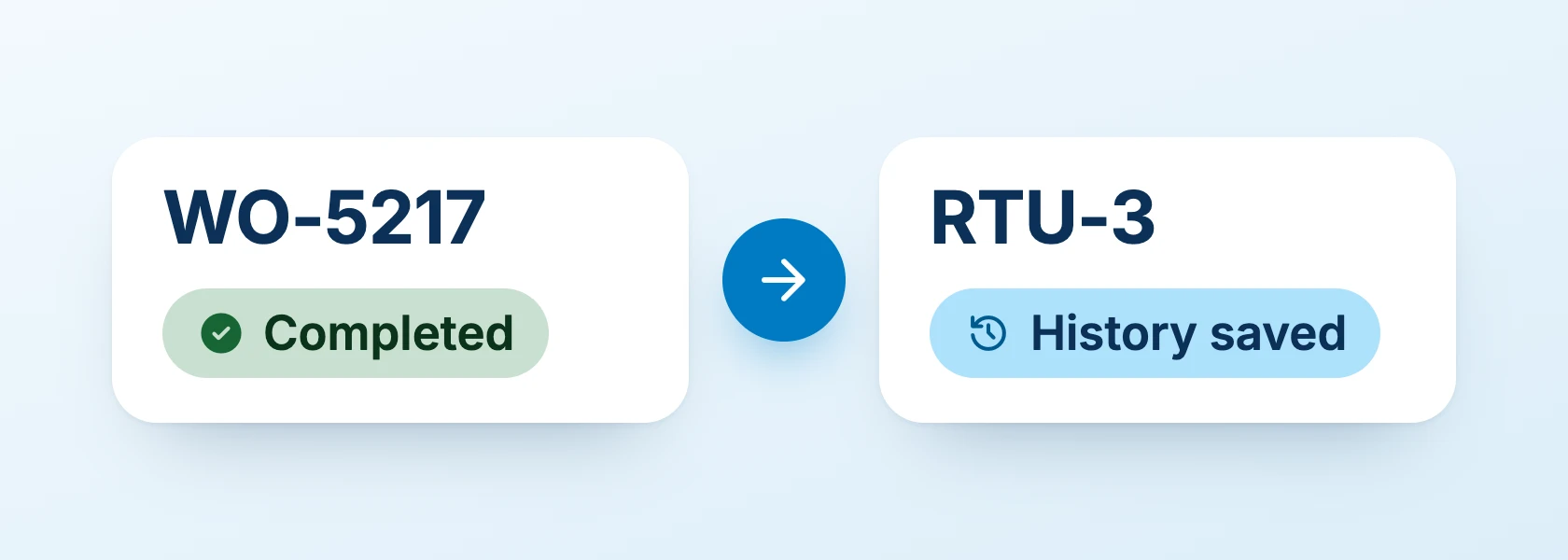
Every completed work order enriches the asset history, and every new work order can use that history.
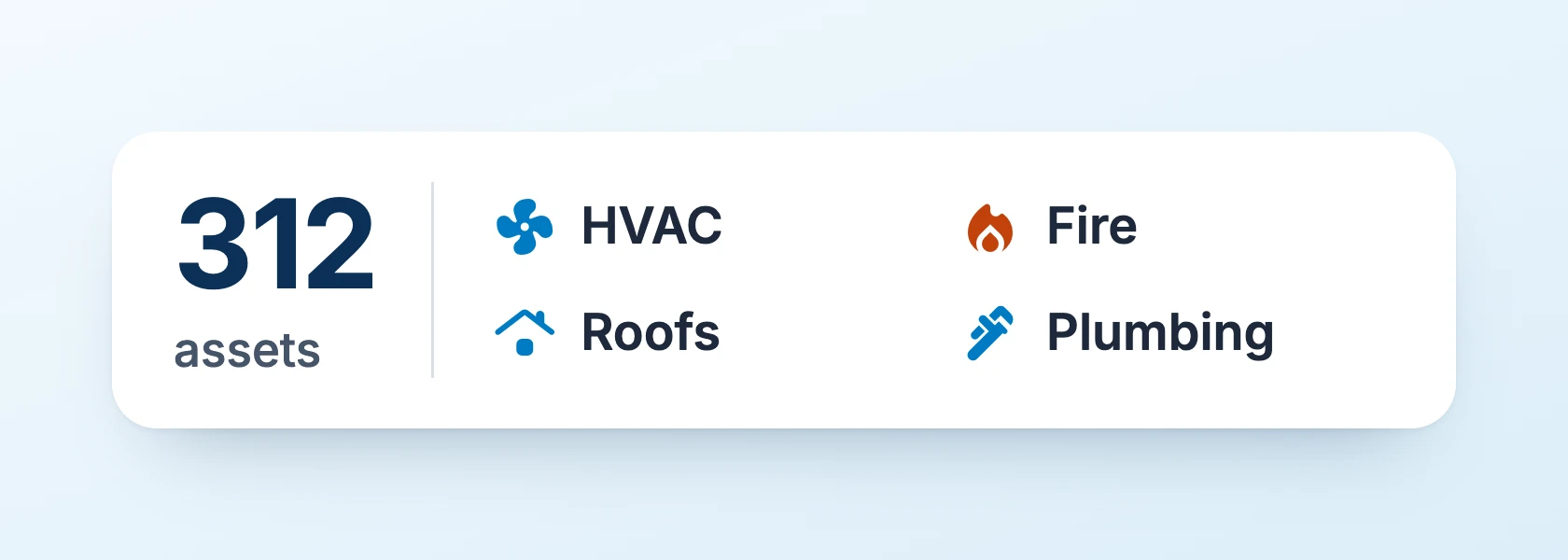
Many Asset Classes for One Campus
A single school can contain HVAC, kitchen equipment, fire systems, playgrounds, athletic infrastructure, electrical distribution, plumbing, roofs, paving, and irrigation.
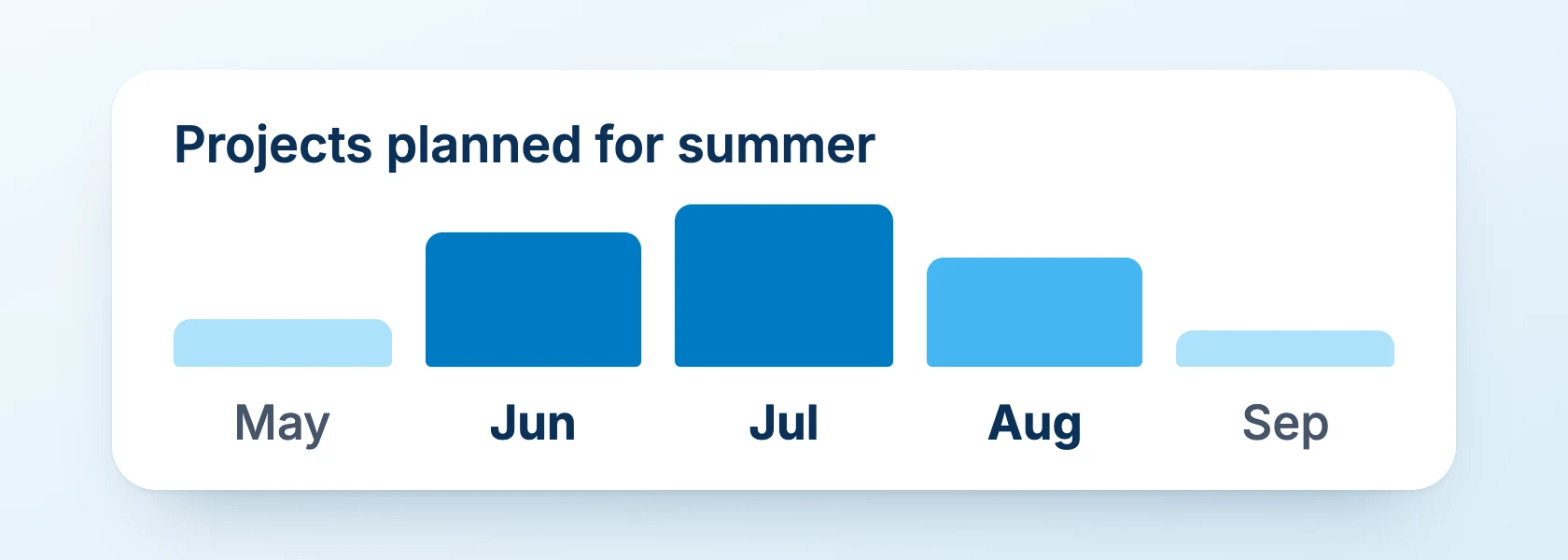
Planned Around the School Calendar
Summer, winter break, testing periods, athletic seasons, and the first day of school create narrow windows for work that might be routine in another industry.
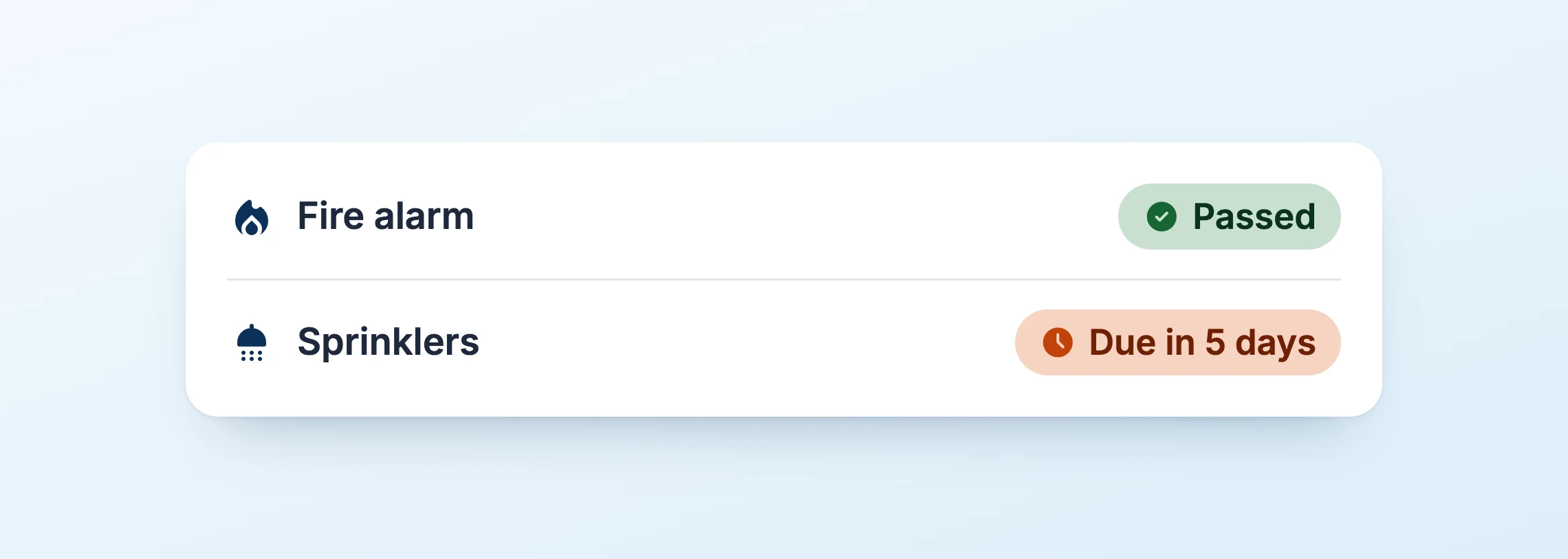
Life-Safety Responsibility
Fire, electrical, egress, kitchen, playground, and other systems carry direct safety and compliance implications, so their inspections and follow-up stay visible.
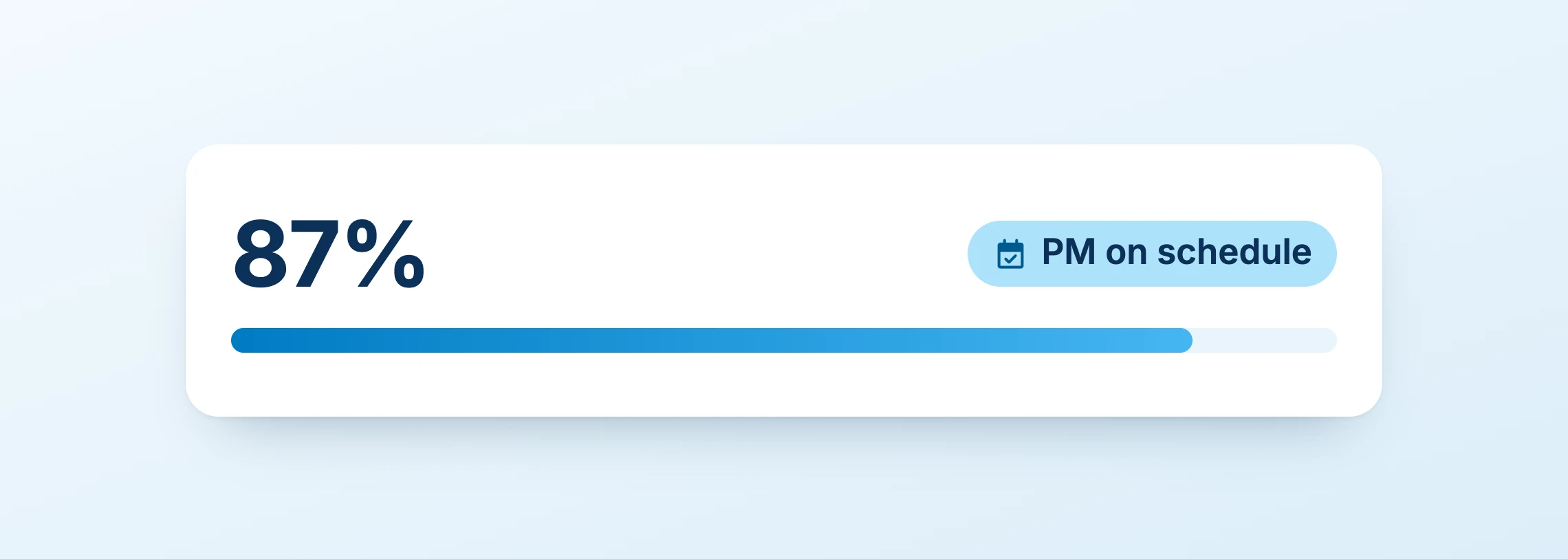
Multi-Campus Standardization
Leadership gets districtwide visibility without losing the building-level detail crews need to diagnose and maintain equipment.
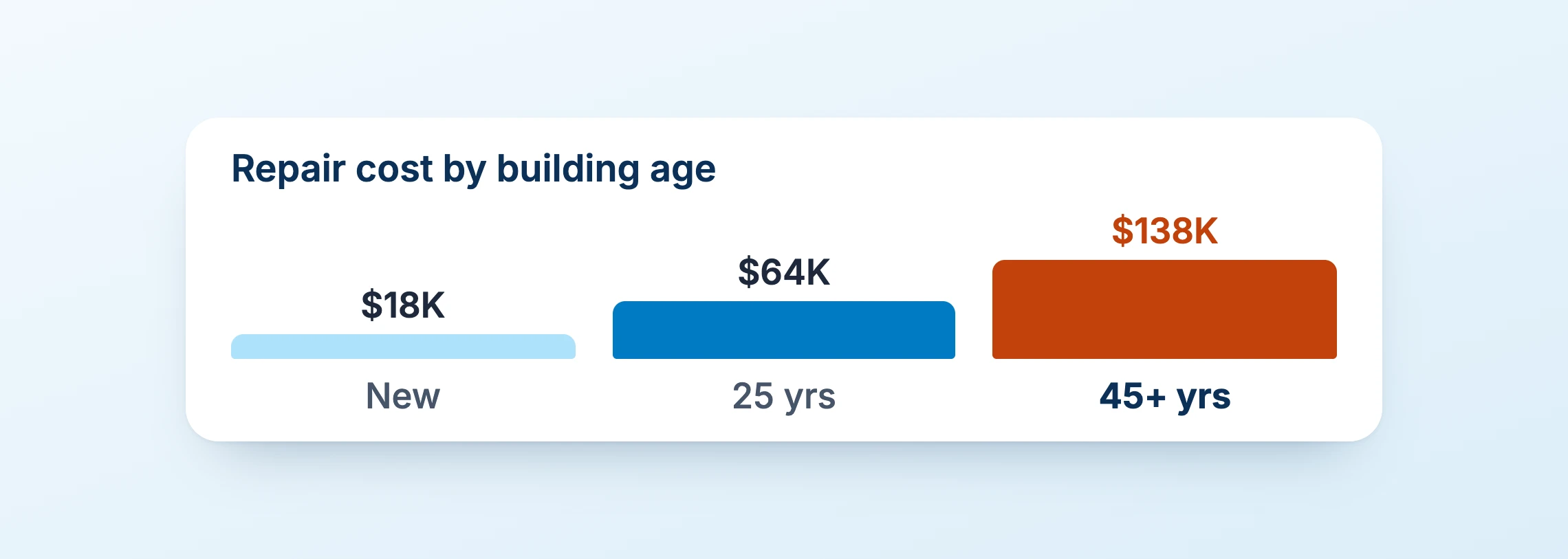
Easy Insight into Aging Facilities
Maintenance data reveals where risk and cost are accumulating in buildings with long service histories, rather than simply documenting completed work.
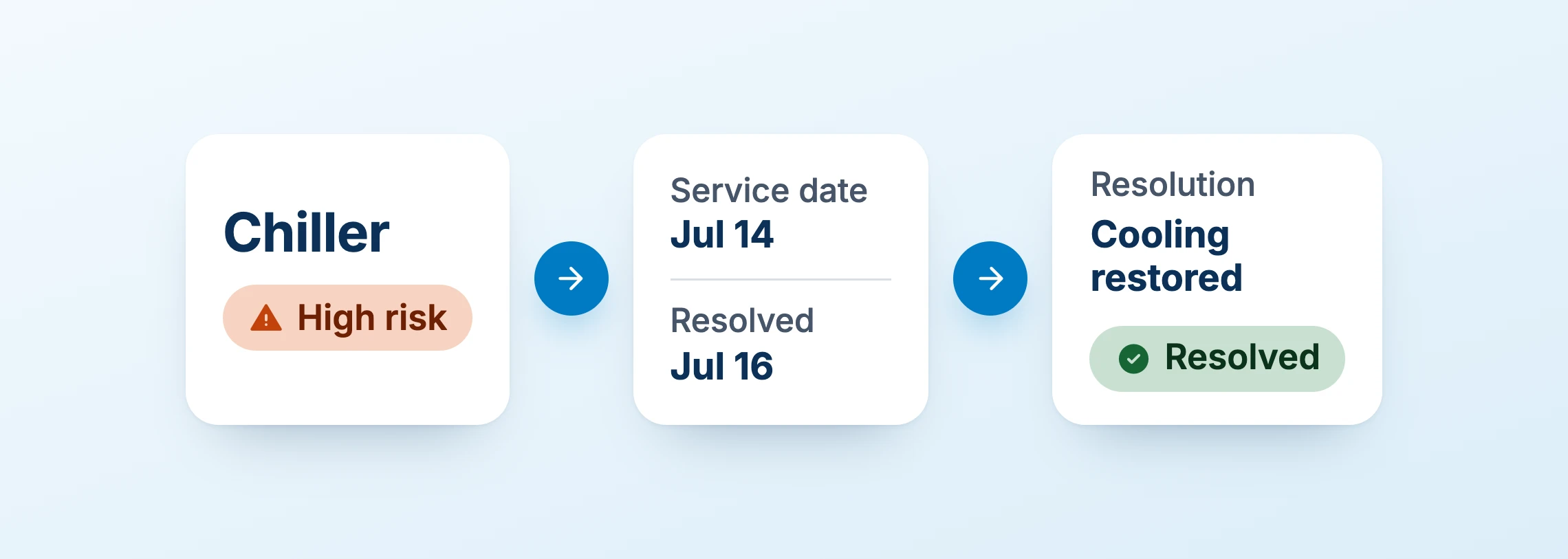
Protects Instructional Continuity
A failed chiller, boiler, roof, or electrical system can disrupt learning, trigger relocation, or create emergency spending. Onflo facilities data acts as operational data for the district to prevent this
How facilities asset management works in a school district
Turn every maintenance event into lifecycle intelligence
-
01
Register the asset
Identify the physical system, place it in the correct building or room, and capture the attributes that matter for that asset class.
-
02
Establish baseline context
Add condition, in-service date, warranty, manuals, inspection requirements, photos, and other information staff should not have to rediscover later.
-
03
Schedule maintenance and inspections
Create recurring work around the asset so preventive maintenance and required checks are visible before urgent repairs crowd them out.
-
04
Capture every service event
When a work order generates a repair, keep labor, parts, findings, photos, and completion history attached to the asset.
-
05
Analyze lifecycle risk
Use repeat failures, cost, condition, overdue work, age, and other evidence to identify assets that deserve deeper assessment, replacement planning, or capital attention.
A week in district facilities, with Onflo
What lifecycle management looks like in the field
HVAC history and replacement planning
A recurring rooftop-unit problem becomes visible as a lifecycle pattern when preventive maintenance, service calls, parts, and repair history stay tied to the same asset.
Roof and envelope tracking
Inspections, leak history, photos, repairs, and building location create continuity across seasons and across changes in facilities staff.
Fire and life-safety systems
Onflo keeps inspections, service events, documentation, and required follow-up visible against the specific equipment and location involved.
Kitchen and food-service equipment
Track repairs and recurring maintenance on equipment whose downtime can disrupt meal service during the school day.
Playgrounds and athletic facilities
Preserve inspection and repair history for assets exposed to heavy use, weather, seasonal demand, and public visibility.
Districtwide condition patterns
Compare maintenance history and recurring problems across campuses so leadership can identify where operating risk is accumulating.
Build a Lifecycle Record for Every District Asset
See how Onflo can connect asset location, preventive maintenance, inspections, repair history, and condition across campuses in one school-specific operating platform.
Frequently asked questions
Facilities Asset Management for Schools FAQs
Facilities asset management for schools is the practice of maintaining a reliable lifecycle record for the physical systems and equipment that keep campuses safe and operational. It includes asset identity, location, condition, maintenance history, inspections, recurring service, repair cost, and long-term replacement context.
For K-12 districts, that can include HVAC, electrical equipment, plumbing, roofs, fire and life-safety systems, kitchen equipment, elevators, playgrounds, athletic fields, paving, irrigation, vehicles, and other maintainable assets spread across many campuses.
- District, campus, building, and room hierarchy that reflects where assets physically live
- Flexible asset classes for HVAC, electrical, plumbing, roofs, safety systems, kitchens, grounds, vehicles, and more
- Maintenance and repair history connected directly to each asset
- Preventive maintenance scheduling tied to the asset and the work required
- Inspection and compliance records with follow-up work when findings require action
- Photos, documents, manuals, and notes available where technicians need them
- Cost and parts history that makes recurring maintenance burden visible
- Mobile access so crews can use asset history at the point of work
- Condition and lifecycle context for replacement and deferred-maintenance discussions
- Reporting across campuses without flattening every building into the same model
Work order management focuses on the work that needs to be done now: intake, priority, assignment, execution, completion, and communication. Facilities asset management focuses on the asset over time: what it is, where it is, how it has performed, what maintenance it has received, how often it fails, what it costs to keep operating, and when replacement may be justified. The two are strongest when every completed work order enriches the asset history.
| Approach | Primary focus | Best use |
|---|---|---|
| Work order management | The individual maintenance request or task from intake through completion | Routing, prioritizing, assigning, executing, and communicating today’s work |
| Facilities asset management | The physical asset and its condition, maintenance, repair, cost, and lifecycle history over time | Understanding performance, recurring failure, lifecycle risk, and replacement context |
| CMMS | A software category that commonly combines work orders, preventive maintenance, assets, parts, and maintenance records | Running maintenance operations. K-12 buyers should evaluate whether it also reflects campus structure, school calendars, permissions, and district workflows |
No. A CMMS, or computerized maintenance management system, typically combines work orders, preventive maintenance, assets, parts, and maintenance records. Facilities asset management is the lifecycle and decision-making discipline around the physical asset itself. A district may use a CMMS to execute that discipline, but buyers should evaluate whether the software understands K-12 campuses, buildings, rooms, school-year constraints, permissions, and cross-department workflows.
Common categories include HVAC systems, boilers, chillers, electrical equipment, plumbing, roofs, fire and life-safety equipment, kitchen equipment, elevators, playgrounds, athletic fields, paving, irrigation, vehicles, and other maintainable systems whose service history or condition affects operations, safety, cost, or capital planning.
Recurring maintenance should be tied to the asset, location, schedule, procedure, and service history. When preventive maintenance is completed, that work becomes part of the lifecycle record. Over time, the district can see whether maintenance is occurring on schedule and whether the asset is becoming more costly or failure-prone despite that work.
Yes. A connected history of condition, repairs, recurring failures, inspections, and costs helps leaders see which assets are absorbing increasing maintenance effort or representing growing risk. That does not replace a formal facilities condition assessment or capital-planning process, but it provides operating evidence that can strengthen those decisions.
The system should reflect the actual physical hierarchy of the district: district, campus, building, floor or area, room, and maintainable asset where appropriate. The goal is to make location part of the asset record so a technician or supervisor can see what is installed where and what has happened to it over time.
Yes. A technician standing in front of an HVAC unit or electrical panel needs prior repairs, photos, notes, scheduled maintenance, and other relevant history without returning to an office or searching paper records. Mobile access makes the asset record useful at the point of work.
Facilities asset data can show age, condition, recurring failures, maintenance frequency, repair history, and cost patterns. Those operating facts can help leadership explain why an asset or building system deserves further assessment, replacement, or capital investment.
No. Specialized inspections and formal facilities condition assessments may remain necessary. Asset management should preserve the resulting condition information, inspection history, follow-up work, and ongoing maintenance evidence so the district has a more continuous operating record between formal assessments.
Yes, provided the platform respects the differences between them. A Chromebook and an HVAC unit have very different lifecycle fields and workflows. A shared platform can still use common locations, permissions, service management, analytics, and integrations while allowing each department to maintain the data and processes it actually needs.
See IT Asset ManagementUseful measures include preventive maintenance completion, overdue inspections, repeat failures, work orders by asset, maintenance cost by asset or system, downtime, age and condition, response time for critical assets, backlog, and assets with rising repair frequency. The goal is to identify risk and lifecycle patterns early enough to act.